Website redesign: when it pays off and how not to lose customers along the way
The new look is the easy part. A website redesign is judged by whether it brings more enquiries and orders after launch, or whether you quietly lose your search traffic.
In this article
Most companies think about a website redesign once they stop liking their website. That is understandable, but as the only reason it is an expensive one. A website is a salesperson working around the clock, and a redesign is its retraining. If it goes well, it sells better. If it doesn’t, the company pays for the new coat twice: once to the supplier and once in lost business.
In this article we look at when a redesign makes sense, where money most often leaks during one, and how to prepare it so the website doesn’t drop in search or in conversions after launch. A basic overview of what a modern website should contain and what it costs is in the article Website development.
Redesign or a new website?
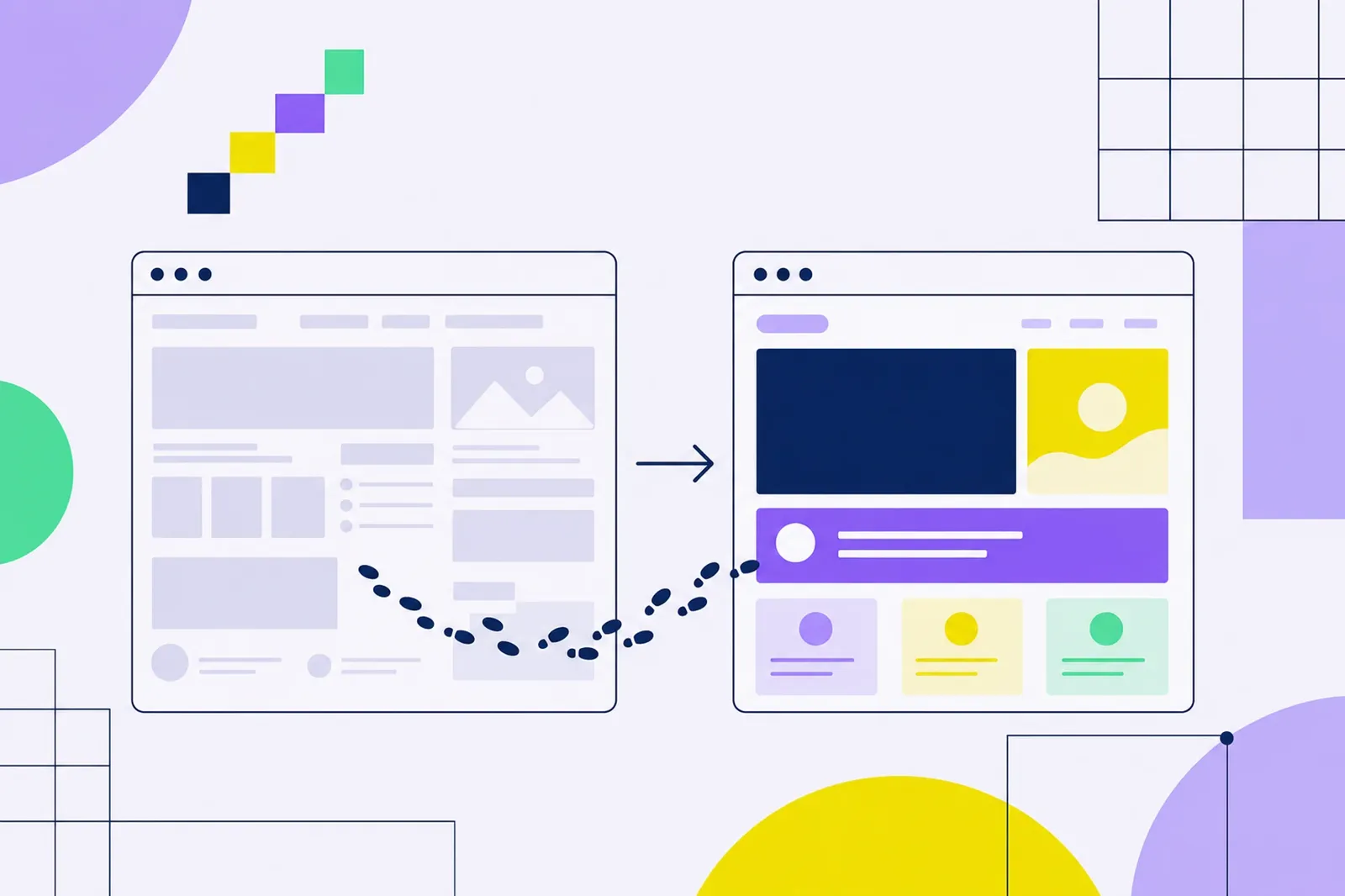
A website redesign means rebuilding your existing site: you change the design, structure, copy or technology, but you build on what already works. The domain, part of the content and, above all, the search engine history stay. A new website starts from scratch, usually because the business has changed: a new product, a new target group, merged brands.
The difference is not academic. With a redesign you have something to lose: search rankings, links from other websites, the habits of regular customers. That is why it needs a different approach than a greenfield build.
When a redesign makes sense and when it doesn’t
Signs it is time
- The website doesn’t match who you are today. The company has grown, changed its range or price level, and the website still talks to customers from five years ago.
- Buying or enquiring on mobile is awkward. If most visits come from mobile and the form or cart is hard to use there, you lose money every day.
- Traffic grows, enquiries don’t. Campaigns bring people who leave without acting. The problem is then often not the ads but what visitors find on the website.
- Changes are expensive and slow. Every new page means a ticket for a developer and a week of waiting. Marketing stalls because of it.
- The technology is at the end of its life. An unsupported system, outdated plugins, security holes.
When a redesign won’t help
When the business basics are unclear: who you sell to, why they should choose you and what your margin is. A new website then just repeats an unclear message more prettily. The same goes for when the main problem is price, stock availability or the sales process after an enquiry is sent. Before you invest in a redesign, it pays to find out where exactly customers drop off. A UX audit and customer research helps, as does a look at the data in GA4.
What a poorly prepared redesign can cost you
Let’s put a number on it. This is not a real client, just a model calculation you can redo with your own data.
Example: An online store has 20,000 visits a month, half of them from organic search. The conversion rate is 1.5% and the average order is CZK 1,500. That makes 300 orders and CZK 450,000 in revenue a month.
- After the redesign, redirects from the old URLs are forgotten and organic traffic drops by a third. That is roughly 3,300 fewer visits a month.
- At the same conversion rate this means about 50 orders and CZK 75,000 in revenue a month.
- With a 35% gross margin you lose roughly CZK 26,000 a month. If traffic takes three months to come back, that is around CZK 79,000, often more than the redirects and checks themselves would have cost.
- The opposite scenario: the redesign raises the conversion rate from 1.5% to 1.8%. With the same traffic that is 360 orders instead of 300, CZK 90,000 more revenue a month.
So what matters is whether you build the redesign on data and watch what it could break. For working with conversions and margin, see also the article PNO, ROAS and margin.
How not to lose search traffic
Search engines remember page URLs, their content and the links pointing to them. When URLs disappear, Google drops them over time, and with them the rankings you have built for years.
A redirect map
Before launch, list every URL that currently has traffic, links from other websites or search impressions. Your sources are Google Search Console, analytics and an export from the current system. Map each old URL to the new page closest in content and set up a permanent (301) redirect. Redirecting everything to the homepage is a mistake: visitors don’t find what they were looking for, and according to Google’s site move guide such a redirect may be treated as a soft 404.
What to keep
- The copy of pages that bring traffic today. You can improve it, but don’t remove the topics people search for.
- SEO titles and descriptions on key pages, until you have a reason to change them.
- Structured data, if the website used it (products, reviews, FAQ).
- Internal links between related pages.
The technical side is covered in more detail in the article on SEO audits and technical SEO.
A redesign step by step
- A goal in numbers. What the new website should improve: enquiries, conversion rate, share of mobile orders, running costs. Without a goal you won’t know whether the redesign worked.
- The starting point. Write down the current numbers for the last 12 months so you have something to compare with. Watch out for seasonality.
- Customer insight. Why they buy, what they miss, where they hesitate. Interviews and session recordings tell you more than opinions in an internal meeting.
- Structure and content. Information architecture and copy first, design second. Design should support the message, not replace it.
- Design and prototype. Test the key journeys (enquiry, cart) on mobile before development starts.
- Development and measurement. Set up conversion tracking before launch and check that it works.
- Redirect map and pre-launch check. See the checklist below.
- Launch and 30 days of monitoring. Daily in the first week, then weekly.
Pre-launch checklist
- Every old URL with traffic has a 301 redirect to the matching new page.
- The new website is not blocked for search engines (a forgotten noindex from the staging version is a classic).
- The sitemap is up to date and submitted in Search Console.
- Conversion tracking and cookie consent work, verified with a test order or enquiry.
- Forms deliver e-mails to the right addresses.
- Mobile loading speed is the same or better than on the old website.
- Campaigns in the ad platforms point to URLs that exist.
The first 30 days after launch
A short dip in search traffic after a major change can happen even with a well-prepared redesign. Google itself expects temporary ranking fluctuation during a correctly executed move. The trend is what counts. Watch 404 errors and indexing status in Search Console, organic traffic to key pages, conversion rate by device and the number of enquiries. When something is off, fix it straight away, not after a quarter.
One more thing: the website is only one part. If the brand doesn’t know what it wants to say, a new website won’t save it. That is why our redesigns build on a brand manual and the whole Branding stair.